01
Document processing and OCR
Move data from PDFs, scans and photos into a spreadsheet or application. I build field extraction, validation and a review path for unreadable documents.
PDF / scanStructured data
For businesses ready to reclaim their time
Your documents, emails, forms and systems can work together. I automate repetitive tasks so your team can focus on the work that needs a human.
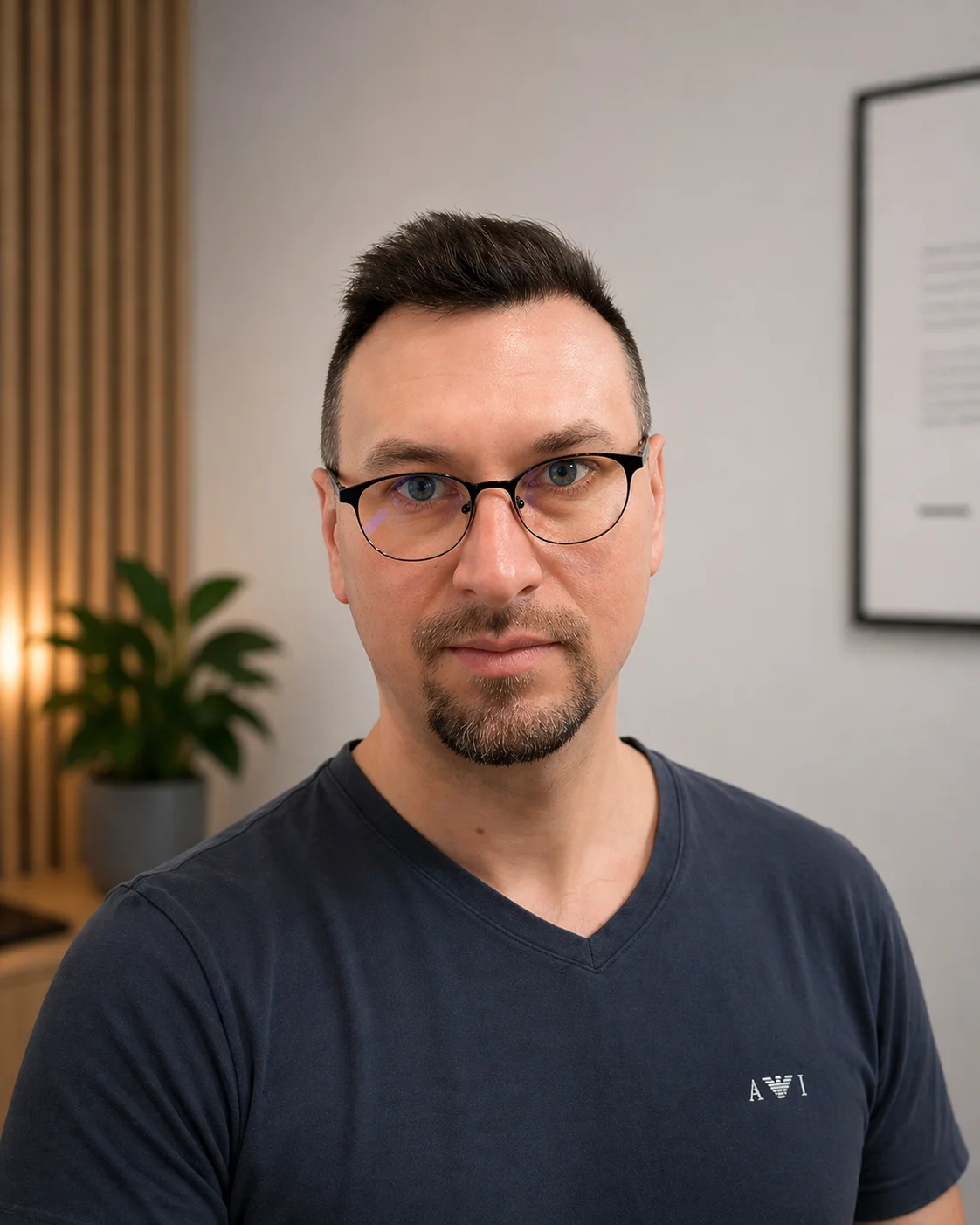
Paweł RychlickiSenior developer. From first conversation to launch.
Direct access to your developer
Built around your existing tools
AI where it makes sense
What I can automate
Someone copies data from a PDF into Excel. Fills in the same document. Moves enquiries into a CRM. These are the tasks I start with when automating business processes.
Move data from PDFs, scans and photos into a spreadsheet or application. I build field extraction, validation and a review path for unreadable documents.
Create proposals, letters and confirmations from your templates. Data fills in automatically, leaving a document ready to review and send.
Sort messages and attachments by enquiry type. The workflow can assign a task, save the relevant data and prepare a draft reply.
A website form can create a CRM contact, prepare a proposal and trigger a follow-up reminder. There is no need to copy each enquiry by hand.
Connect your CRM, ERP, spreadsheets and other applications. I check available APIs and import and export options to work with the tools you already use.
Schedule reports, reminders and task handovers. Bring data from several sources into a single report, ready for your team to use.
From a single task to a complete workflow
Three illustrative workflows. Each shows what automation can do and where a person still makes the decision.
Today, manuallyYou open a PDF, copy the data, fill in a Word template and save another version of the file.
With automationYou review the prepared document and approve sending. Cases with missing data are flagged for review.
Template completed. Data saved. The decision stays with you.
Today, manuallyYou copy an enquiry from an email, create a contact and remember to follow up with the customer.
With automationThe contact and task are already in your system. You receive the relevant details and a reminder to reply.
Customer details in one place. A clear owner and time for the next action.
Today, manuallyYou export data from several applications, combine files and rebuild the same report every week.
With automationYou receive a report on an agreed schedule. Any missing data is clearly flagged for review.
Less time combining files. More time for insights and decisions.
These are examples of possible workflows, not case studies or promises of a particular result.
The process first. The technology second.
Sometimes a good integration and clear rules are enough. I add AI where a workflow needs to read a document, interpret a message or prepare text.
As a senior full stack developer, I combine custom software, API integrations and AI tools. I choose the approach to fit the task and the cost of running it.
How the project works
You do not need to automate your whole business at once. First, I help you choose one task to test the approach and measure its impact.
Describe the task, your tools and how often it happens. An example is enough; you do not need a technical specification.
I check integration options, exceptions and the business case. I outline the implementation cost and expected running costs.
I build the first version of one workflow. I test typical cases, incorrect data and situations that need your decision.
I launch the solution, hand over documentation and show you how to use it. Ongoing support is agreed before launch.
A clear estimate before work begins. The cost depends on your workflow, integrations and exceptions. I separate implementation, tool subscriptions and any ongoing support.
Tell me about your taskOptional self-service package
You should understand the solution you use. I show you how it works and how to safely update the parts designed for editing.
The scope of self-service changes is agreed for your implementation. New integrations and workflow logic may need my support.
Explore the self-service package for websites tooPaweł Rychlicki · Senior full stack developer
I handle every project personally. I have years of experience building commercial web applications and bring that experience to improving business workflows. Based in Gdańsk, I work remotely in Polish and English.
View my website portfolioBefore we talk
Start with a frequent task that has clear rules and takes a noticeable amount of time: entering data, preparing a document or handling an enquiry. I first establish how long it takes today and what would make the implementation worthwhile.
No. Moving data, calculations and triggering the next step can often use code and API integrations alone. AI is useful for working with content, such as classifying emails or extracting information from documents with different layouts.
Yes. A workflow can combine OCR or AI, data validation and your Word template, then export the result to PDF. Extraction quality depends on the documents, so I test representative examples first.
I start with the tools you already have. Integration depends on available APIs, permissions and import and export features. If an application has limitations, I explain them before quoting and suggest a workable scope.
I design validation, exception handling and a human review path. Missing fields or failed rules can stop a step. Sending documents and other important actions can require an employee’s approval.
I quote for a specific workflow after reviewing its steps, systems and exceptions. Implementation is priced separately from any hosting, platform, API and AI model fees. Scope, external costs and support terms are agreed before work begins.
Yes, in the parts designed for self-service editing. The optional self-service package covers templates, message content and agreed settings. Changes to the workflow logic or integrations may need additional development.
Yes. I work remotely with businesses in Poland and internationally, in Polish and English. I am based in Gdańsk, where an in-person meeting is also possible.
Your workflow is a good place to start
Tell me about one task you repeat regularly. I will review the automation options and suggest the next step.
I have received your workflow description. I usually reply on the next working day. A confirmation has been sent to your email address.